Exploring My Spectrum Home Router: A Network Forensics Experience
Author: Ezer Ayari
Course: IT532 – Computer Forensics
Instructor: Robert Pacheco
Institution: Southern States University
Date: November 2025
Introduction
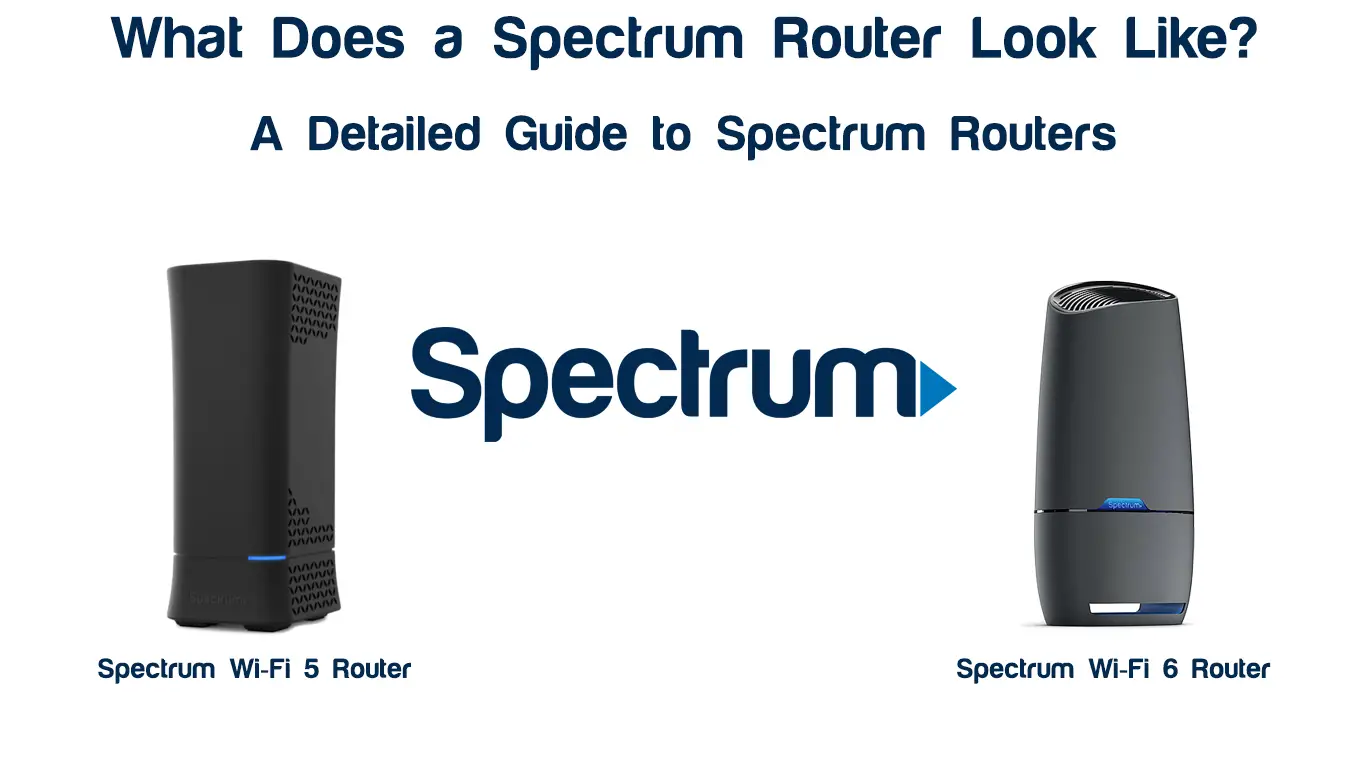
Home routers play a critical role in modern network forensics because they manage and log the flow of data between all devices in a home environment. For this assignment, I explored my Spectrum home router by accessing its settings, reviewing connected devices, examining its security controls, and analyzing features that affect network monitoring. This hands-on process helped me understand how routers contribute to digital investigations and why they are important evidence sources in cybersecurity.
Accessing My Spectrum Router
To begin my analysis, I accessed the router portal using the default gateway address 192.168.1.1 in my web browser. After entering the credentials printed on the router’s label, the Spectrum interface allowed me to view Wi-Fi configuration, security settings, and the list of devices connected to my home network. The menu layout was clear and well-organized, which made navigation simple even for someone who does not log into the router regularly.

Connected Devices Overview
The “Connected Devices” or “Device List” page showed two active devices currently using my home network. For each device, the router displayed the device name, IP address, MAC address, and connection type (such as wireless). Because there were only two devices, it was easy to identify which ones belonged to me. From a network forensics perspective, this information is extremely valuable because it can reveal unauthorized devices or unusual patterns of connectivity.

Key Router Features I Explored
During my exploration, I focused on two features that directly relate to network security and monitoring: the Guest Network and the WPA2 security settings. Both features helped me connect classroom concepts to practical configurations on a real device.
Guest Network Feature
Spectrum routers include an optional Guest Network that allows visitors to access the internet without being placed on the main private network. From a forensics and security standpoint, this separation is very important because it isolates guest traffic from personal devices, reducing the risk of unauthorized access to sensitive files or internal resources. Seeing how easily this network could be enabled or disabled helped me understand how a misconfigured guest network could create forensic evidence in a future investigation.

WPA2 Security Configuration
My Spectrum router was configured to use WPA2 encryption for the main wireless network. WPA2 remains one of the common standards for securing Wi-Fi traffic in home environments, and some newer routers also support WPA3. Reviewing these settings helped me connect the theory of encryption and authentication protocols with their real implementation on a home device. It also reinforced how weak or outdated security settings could become a critical factor in a forensic investigation after a network breach.

Challenges and How I Resolved Them
The main challenge I encountered during this activity was finding the correct login credentials. Spectrum routers often use default passwords that are unique to each device, so I had to check the label attached to the router to locate the right username and password. Once I successfully logged in, the interface was intuitive, and I was able to explore all the relevant settings without any technical issues.
Reflection and Learning Outcomes
This hands-on experience gave me a much deeper appreciation for how important routers are in digital forensics. Even basic configuration pages—such as connected device lists, guest network controls, and security settings—can provide crucial evidence about who accessed the network and how it was secured. Exploring my Spectrum home router increased my confidence in navigating network environments, interpreting technical data, and understanding how network forensics is applied in real-world scenarios.
References
Spectrum. (2025). Spectrum Router User Guide. https://www.spectrum.net/support/